WTVN Radio • Columbus, Ohio • Sunday morning from 8 until 9
Who's in the corner?
Is this information useful? If so, consider
making a contribution, please.

|
|
WTVN Radio • Columbus, Ohio • Sunday morning from 8 until 9 |
|
| Home
• Previous
page Who's in the corner? |
Is this information useful? If so, consider |
|
| |
Sunday, July 13, 2003 |
Random thought:
|
 |
|
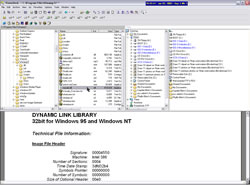
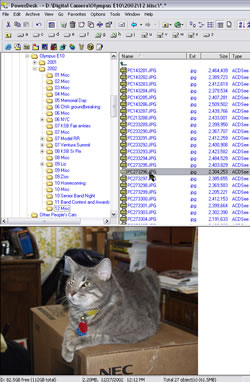
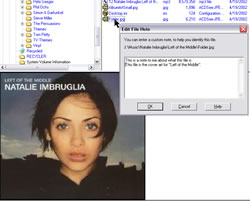
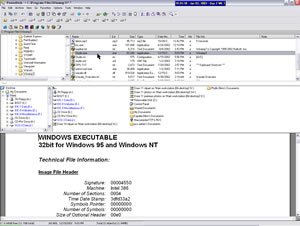
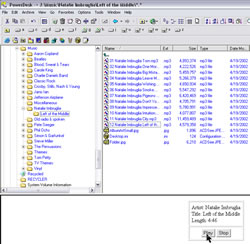
Looking for a better Windows Explorer than Windows Explorer?Over the years, Microsoft has improved the "Explorer" function of Windows. (Not "Internet Explorer" but just "Explorer" -- the program that you use to view files and directories on your computer and on the network.) Even with the improvements, there might be a little room for improvement.
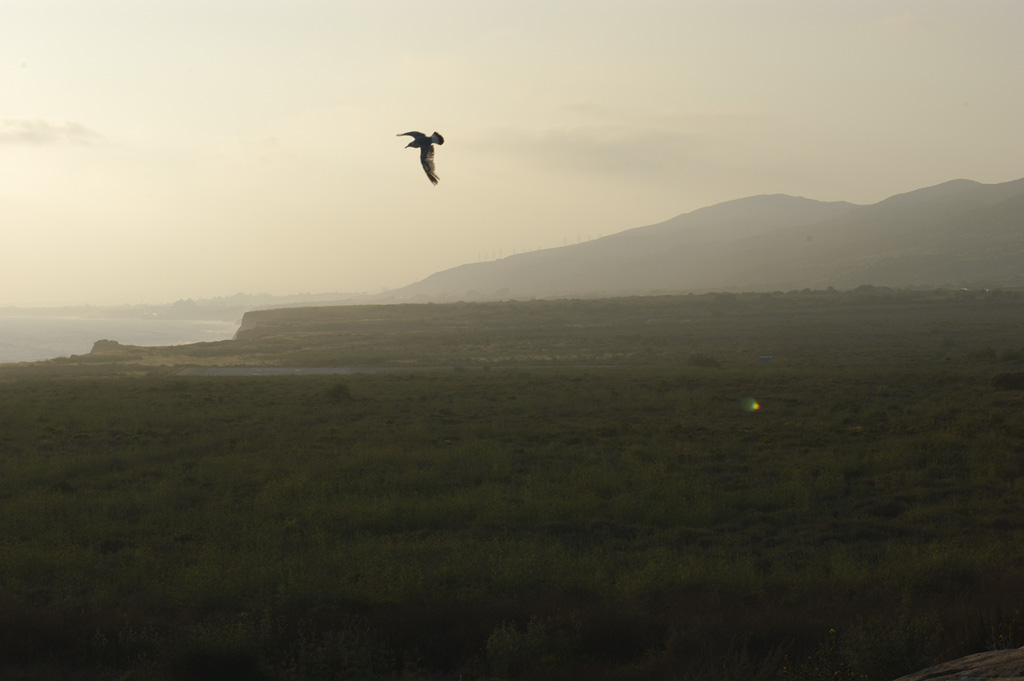
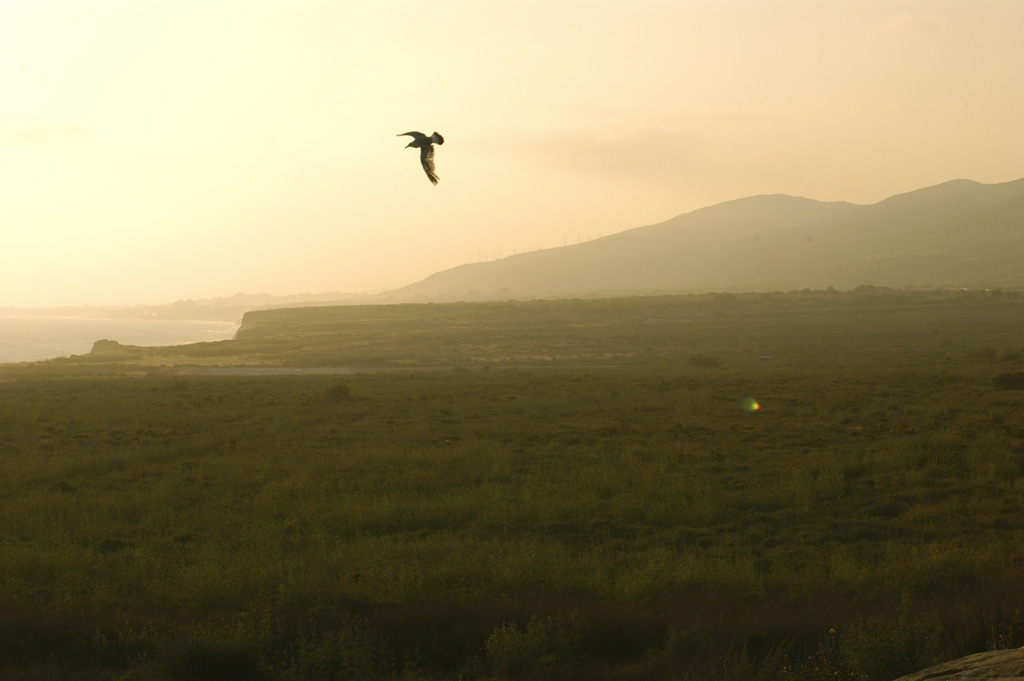
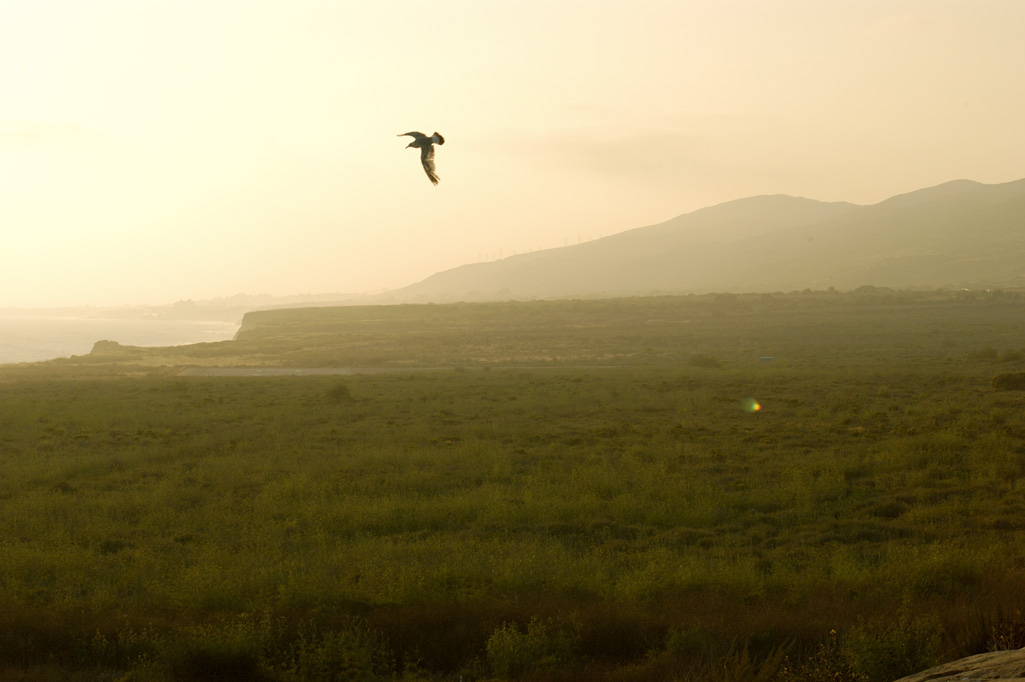
Digital photography (again)Two weeks ago, Joe and I talked about digital photography. We had to omit some of the information we wanted to cover because we ran out of time. (See "This Hour has Twenty-Two Minutes," CBC, Canada.) If some of what you see below looks familiar, that's why. Digital differencesDigital cameras are different. The sensor can capture an image only when it is powered. So when you press the shutter release, the sensor is switched on. When it stabilizes, the camera makes the exposure. That's where the digital delay comes in. Older cameras may have a several-second delay. Newer cameras have reduced that to well under 1 second (1000 milliseconds). The Olympus E10 that I've been using for a couple of years drops the delay to under 500 milliseconds, but that's still long enough to miss a moving subject or a fleeting expression. The Nikon D100 joins other top-end digital cameras (such as its older cousins, the D1 and the D1x) in eliminating the delay. The first time I held the Nikon D100 was last December when I interviewed Henry Posner and Yossi Fogel at B+H Photo and Video in New York. Yossi handed me a D100 that was on display. Without having to look at any of the controls, I aimed the camera, composed a photograph, pressed the shutter release, and instantly heard the reassuring "clatter" 35mm SLRs make. I would feel comfortable using a camera like this to photograph a wedding (if I still photographed weddings) and I've used it to create some environmental portrait (portraits taken on location) images of a client as well as to document CorelWORLD's 14th (and final) event. In all cases, the camera has performed as expected and the ability to review the results immediately has been a plus. Shoot raw (no, wear clothes -- use "raw" format)Even at its lowest resolution, lowest quality setting, the D100's images are adequate for a decent 8x10. Shooting in "raw" mode and converting the NEF raw file to a TIFF creates a 36MB file that should make a photo-quality 16x20 or larger print. The downside of shooting in raw mode is that each image consumes nearly 10MB on the card, so you get only 27 exposures on a 250MB card. Driving from Los Angeles to San Diego, I stopped to photograph some seagulls and the coastline. For one of the images, I selected raw mode so that I could make some modifications to the image. Clicking each of the images below will display a larger version of the image -- although still not full size from the camera. Full size is 3008 pixels wide by 2000 tall. (The larger images are 1024x681.)
Congress clueless on spamCongress is talking about spam and illustrating that the government is essentially clueless when it comes to how to control spam. (Why should spam be different from anything else?) The House has 2 competing spam bills and legislators are arguing over what color to paint the car, having failed to notice that the car's engine is blown, its wheels are flat, and there's more rust than metal on the body. They'll probably pass one bill or the other -- or a watered-down compromise of the two -- and the result will be: NOTHING. Both bills allow spam as long as receivers are given a way to "opt out". Somehow they seem to think that going further than this would offend businesses -- and we certainly wouldn't want that, would we? Oh, and Congress will probably manage to include language that will outlaw the worst of the crud. Then they will make speeches about making the Internet safe for children and legitimate commerce. Bull(feathers)! Sleaze is part of the problem, but legislators can't seem to understand that those of us who receive 100 to 200 pieces of spam every day do not see sleaze as the primary problem. It's the quantity, stupid! And most of this crud is costing me money to receive it. I pay for my Internet connection. Spammers typically steal service from unsecured servers. Network administrators find their networks awash in sludge. By the end of this year, the number of spams will probably exceed the number of legitimate e-mail messages. Maybe Congress can't mandate cutting off the fingers of spammers, but you'd think that 400+ people smart enough to get elected to Congress would be able to figure out a way to do something more than say it's OK if there's an opt-out address. Spammers have shown over and over again that opting out simply means getting more spam. So watch for Congressional action. Listen for the speeches claiming success. But don't look for much improvement. Nerdly News!Microsoft finds more security holesIf you haven't gone to http://windowsupdate.microsoft.com/ for a while, you'll find at least 2 new security patches waiting for you the next time you go. Microsoft classifies one as "critical", it's highest warning level. The bug affect Windows 98, Windows 98 Second Edition, Windows Me, Windows NT 4.0, Windows NT 4.0 Terminal Services Edition, Windows 2000, Windows XP, and Windows Server 2003 -- in other words, just about every version of Windows you'll find running today anywhere. The bug can allow an attacker to execute code of their choice. According to Microsoft, All versions of Microsoft Windows contain support for file conversion within the operating system. This functionality allows users of Microsoft Windows to convert file formats from one to another. In particular, Microsoft Windows contains support for HTML conversion within the operating system. This functionality allows users to view, import, or save files as HTML. There is a flaw in the way the HTML converter for Microsoft Windows handles a conversion request during a cut-and-paste operation. This flaw causes a security vulnerability to exist. The HTML converter could fail in such a way that it could execute code as the currently logged-in user. This functionality is used by Internet Explorer, ai an attacker could craft a website or HTML e-mail that would cause the HTML converter to run arbitrary code on a user's system. A user visiting an attacker's Web site could allow the attacker to exploit the vulnerability without any other user action. For the Web-based attack to work, the attacker would have to host a website that contained a page used to exploit this vulnerability. An attacker would have to lure victims to the site, typically by getting them to click a link that would take them to the attacker's site. Microsoft also says that exploiting the vulnerability would allow the attacker only the same privileges as the user. Users whose accounts are configured to have few privileges on the system would be at less risk than ones who operate with administrative privileges. Microsoft does not say that because of the lame way it establishes permissions, most users must run with "administrator" privileges to get anything useful done. For more information, see http://www.microsoft.com/security/security_bulletins/ms03-023.asp. Zone Labs updates Zone AlarmWhen the latest version of Zone Alarm arrived, I installed it and held my breath. A client had insisted that I install a hardware firewall a few months ago, and I hadn't been able to get Zone Alarm to work with it. It should have worked, but it didn't. I've seen ZA work from behind a hardware firewall before, but there was something between the SOHO Firebox firewall and ZA that wouldn't let me communicate with any site on the Internet. While this is quite secure, it's also somewhat limiting. So for the past couple of months I've been operating with just the hardware firewall. I knew I was as safe as I could be when it came to people from outside trying to get in. But if somebody managed to trick me into installing a Trojan horse program, the hardware firewall would do nothing about it because it doesn't monitor outbound traffic as ZA does. A little work with the ZA tech support department, including a technician who "in a former life, sold the SOHO Firebox" turned up a solution: Set the Internet zone to "medium security" instead of "high security". The hardware firewall was already taking care of inbound traffic and my primary need from ZA was monitoring outbound traffic. That worked and now I feel safe again. In a future program, I'll let you know what I find in my full review of the latest from Zone Labs. If you have the free version of Zone Alarm, you'll want to keep an eye on the Zone Labs site for information about a patch. A "theoretical" vulnerability was found this week. Zone Labs characterizes the ability to exploit the fault as "the equivalent of hacker brain surgery." The company says that it knows of no instances in which a hacker has been able to exploit the bug. For a hacker to exploit the bug, a malicious application would have to be running on the affected PC. For that to happen, the attacker would first have to find a way to convince the user to do something that would result in installation of the malicious program. Let us know what you think about this program! Write to: |
|||||||||||||||||||||
|
|
Privacy Guarantee:I HATE SPAM and will not sell, rent, loan, auction, trade, or do anything else with your e-mail address. Period.
|
This is the only ad you'll ever see on this site. It's for my website host, BlueHost in Orem, Utah. Over the past several years, they have proven to be honest, reliable, and progressive. If you need to host a website, please click the banner below to see what BlueHost has to offer. As if you didn't already get enough weather on the radio! Annoying legal disclaimer
[an error occurred while processing this directive] |
||